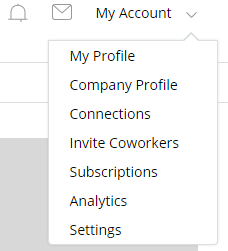
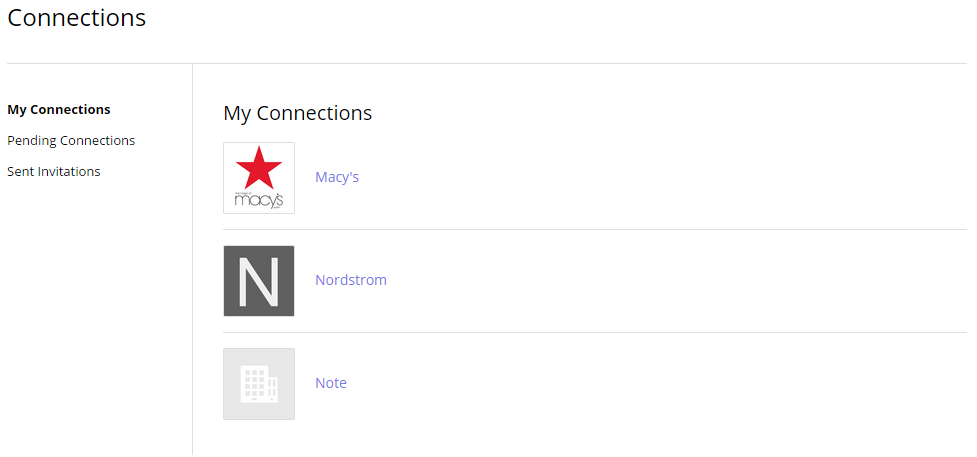
How can I see who I’m connected with? Created May 28, 2015 Author admin Category Connections How can I see who I’m connected with? Go to My Account > Connections: On the next screen, you’ll see a list of all your connections. Tagged: connections Rate This Article Helpful Not Helpful (93 out of 127 people found this article helpful) Related Articles Connect With Brands – Buyer Tutorial Video 58 Set Up Your Personal Profile – Brand Tutorial Video 70 Who am I able to connect with? 62 How do I add a company as a connection? 54 How do I accept or reject a connection? 63 Leave A Comment? × Cancel Reply
Leave A Comment?